Running deliveries by hand is one of the biggest day-to-day headaches for online businesses in Nepal. Copy-pasting customer details, typing COD amounts and switching between dashboards all add human errors, higher return rates and wasted time.
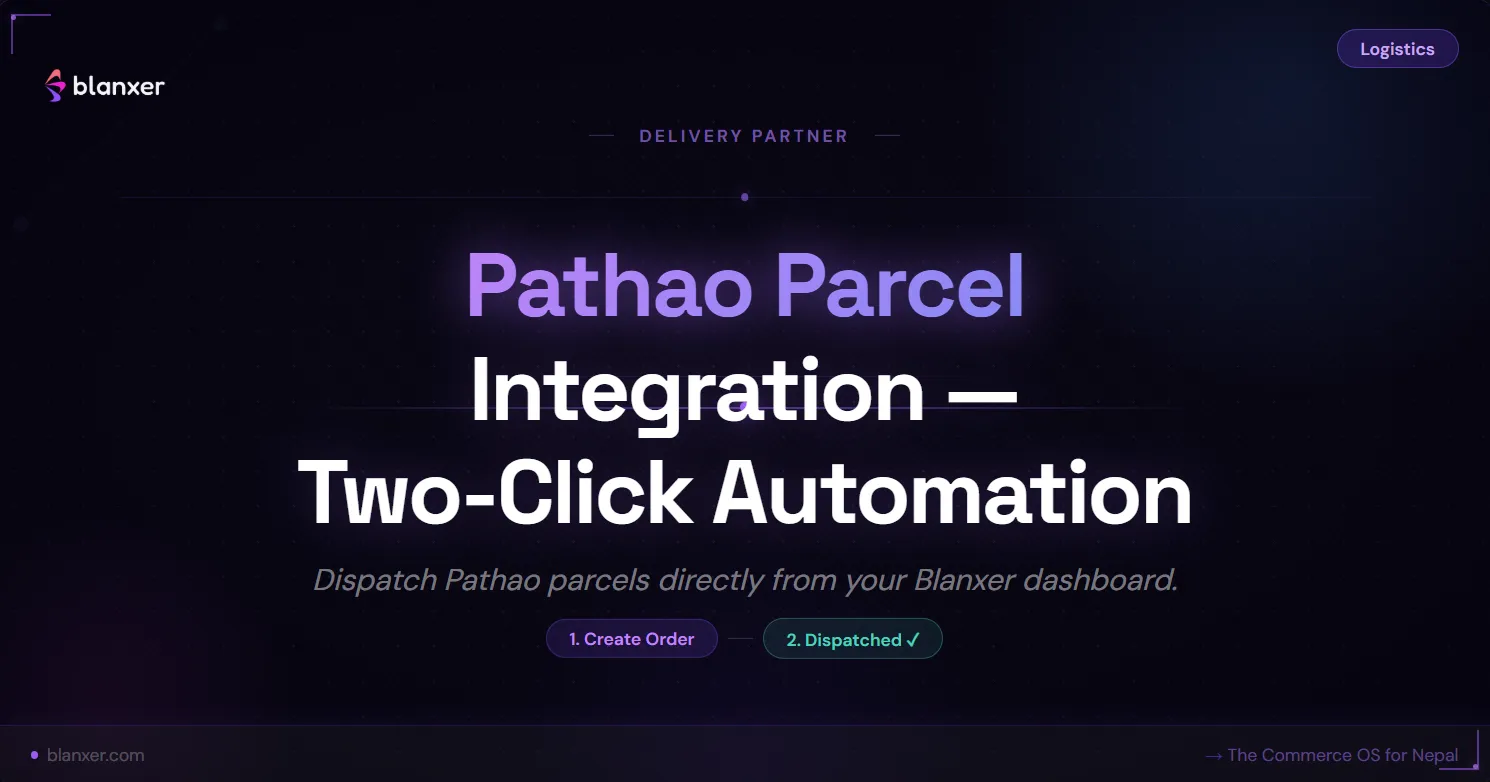
The Blanxer and Pathao Parcel integration removes that friction: orders go from Blanxer to Pathao's system instantly and accurately, with nothing re-typed. Pathao is a popular choice, and many businesses also use Dash Logistics for its express delivery network or Nepal Can Move. See every courier we connect to on the ecommerce delivery in Nepal page.
Why use the Pathao Parcel integration?
One-click delivery creation
Create pickup requests directly from Blanxer orders without opening the Pathao dashboard separately.No manual data entry
Customer name, phone, address and COD amount are all synced automatically from your Blanxer order.Fewer returns and errors
No more wrong phone numbers, missing COD values or incorrect addresses.Real-time delivery status sync
The order status updates in Blanxer automatically when Pathao updates the delivery progress.Bulk label printing
Generate multiple delivery labels directly from Blanxer for faster packing.Faster order fulfilment
Your team processes more orders in less time, without the chaos.
How Pathao and Blanxer work together
- A customer places an order on your Blanxer website or POS.
- You click Send to Pathao inside Blanxer.
- The order appears automatically in your Pathao dashboard.
- The delivery status syncs back to Blanxer.
- The customer gets accurate tracking updates.
How to integrate Pathao Parcel with Blanxer, step by step
Step 1
Open the Pathao plugin inside Blanxer
Go to Dashboard → Plugins → Pathao Parcel → Configure.
You will see the integration form.
Step 2
Get your API credentials from Pathao
Open the Pathao developer dashboard at https://parcel.pathao.com/courier/developer-api and copy:
- Client ID
- Client Secret
- Username (email)
- Password
These credentials let Blanxer communicate securely with Pathao's servers.
Step 3
Get your store ID from Pathao
In the Pathao dashboard, go to Stores → select your store → copy the Store ID.
This tells Pathao which pickup location to use.
Step 4
Configure the webhook (very important)
The webhook lets Pathao send delivery status updates back to Blanxer automatically.
In the Pathao dashboard, go to Developer API → Webhook Integration and enter:
- Callback URL:
https://api.blanxer.com/pathao - Secret:
blanxer
Enable these events (recommended):
- Order Created
- Pickup Requested
- In Transit
- Delivered
- Delivery Failed
- Returned
- Payment Invoice
Click Update Webhook. Pathao will now push real-time updates directly to Blanxer.
- Callback URL:
Step 5
Save the settings inside Blanxer
Return to the Blanxer plugin configuration and fill in:
- Username / email
- Password
- Client ID
- Client Secret
- Store ID
Click Save Setting. Your Pathao integration is now live.
Skip the webhook and statuses won't update
Without the webhook in step 4, orders still reach Pathao, but delivery statuses will not come back to Blanxer. Check that the callback URL and secret are entered exactly as shown above.
What you can do after connecting Pathao
From the Blanxer dashboard you can:
- Send orders to Pathao in two clicks
- Create pickup requests automatically
- Track delivery status live
- Print shipping labels
- Sync COD amounts accurately
- Reduce failed deliveries
- Avoid refund losses
Why this matters for growing businesses
Most Nepali sellers still:
- Type orders manually
- Copy addresses from WhatsApp
- Enter COD amounts by hand
- Pay frequent return charges
- Waste staff hours
The Blanxer and Pathao integration removes that friction and turns manual work into an automated delivery process. For the full picture across couriers, including COD reconciliation, read our logistics integration guide.
Who should use the Pathao integration?
It is a good fit for:
- Online stores running Facebook ads
- TikTok sellers
- Website-based brands
- Cash-on-delivery businesses
- Sellers with many orders a day
- Growing fulfilment operations
Final thoughts
Logistics is not just delivery. It is profit protection. Every wrong COD amount, wrong phone number or failed delivery costs money. With Blanxer's direct Pathao integration, your delivery process becomes faster, safer, automated and ready to scale.
Pathao is one of several delivery and payment partners on the integrations page. Compare what each plan includes on the pricing page.