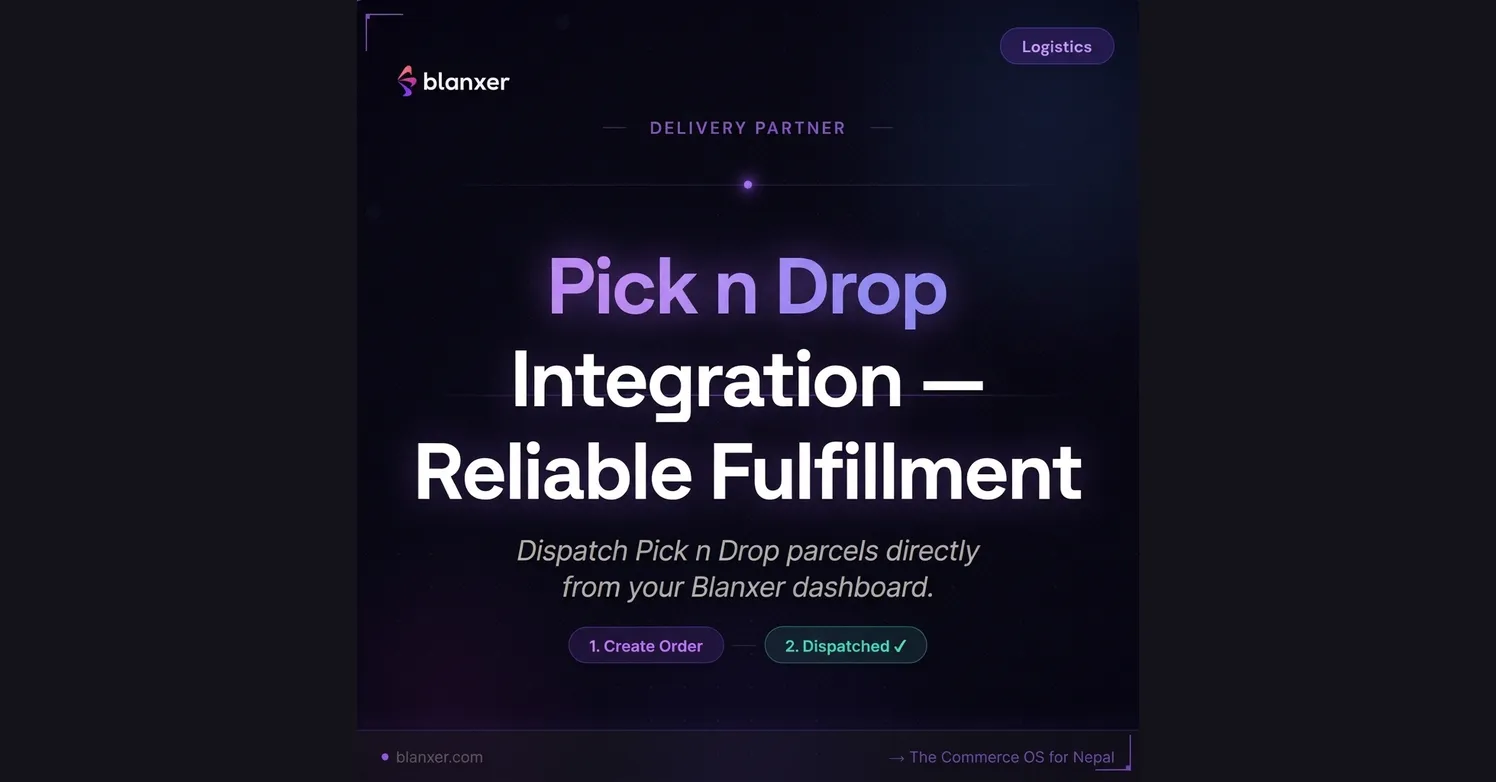
Connect Pick n Drop to your Blanxer store and automate the whole journey from order placement to final delivery. Growing an online business in Nepal needs a dependable logistics partner that can handle varied delivery needs. Pick n Drop (PND) offers consistency, wide reach and automated status updates.
With the Blanxer and Pick n Drop integration, your logistics workflow runs largely hands-off. For every courier Blanxer works with, see ecommerce delivery in Nepal and the logistics integration guide.
Why use the Pick n Drop integration for delivery across Nepal
Wide nationwide coverage
Reach customers across major cities and towns in Nepal through a reliable pickup and delivery network.Instant order submission
No manual data entry. Submit order details to Pick n Drop with a single click from your dashboard.Secure COD handling
Cash on delivery management with transparent tracking of collected payments and settlements.Real-time sync
Delivery statuses update automatically in your Blanxer order timeline, keeping you and your customers informed.Bulk fulfilment
Process and prepare multiple orders for pickup without switching between apps.Scales with you
Works the same whether you ship 5 or 500 packages a month.
How a Pick n Drop delivery flows through Blanxer
- A customer orders on your website
- You click Order to PND in Blanxer
- A PND rider arrives for pickup
- The order is delivered to the customer
- COD is collected and settled to your account
How to set up Pick n Drop in Blanxer
Step 1
Open the Pick n Drop plugin
In your dashboard, go to Dashboard → Plugins → Pick n Drop → Configure.
Step 2
Enter your API credentials
Get your API credentials (API key and secret) from your Pick n Drop merchant dashboard, or by contacting their support team at pnd.bz. Copy these details:
- Client ID / API Key
- Client Secret
- Branch/Pickup Location ID
Step 3
Test and activate
Fill in the details in Blanxer and click verify. Once the connection succeeds, enable the Order Sync feature.
You are now ready to ship with Pick n Drop.
Tip: Messenger integration
Pick n Drop also offers a direct Facebook Messenger integration. Combined with Blanxer, you can capture orders from social media and fulfil them through one logistics system. See how to sell on Instagram and Facebook in Nepal with your own website.
Fulfilment, simplified
Pick n Drop gives growing brands in Nepal stable delivery and wide coverage. With the integration automated through Blanxer, you save hours of manual work every week and your customers receive their packages on time.