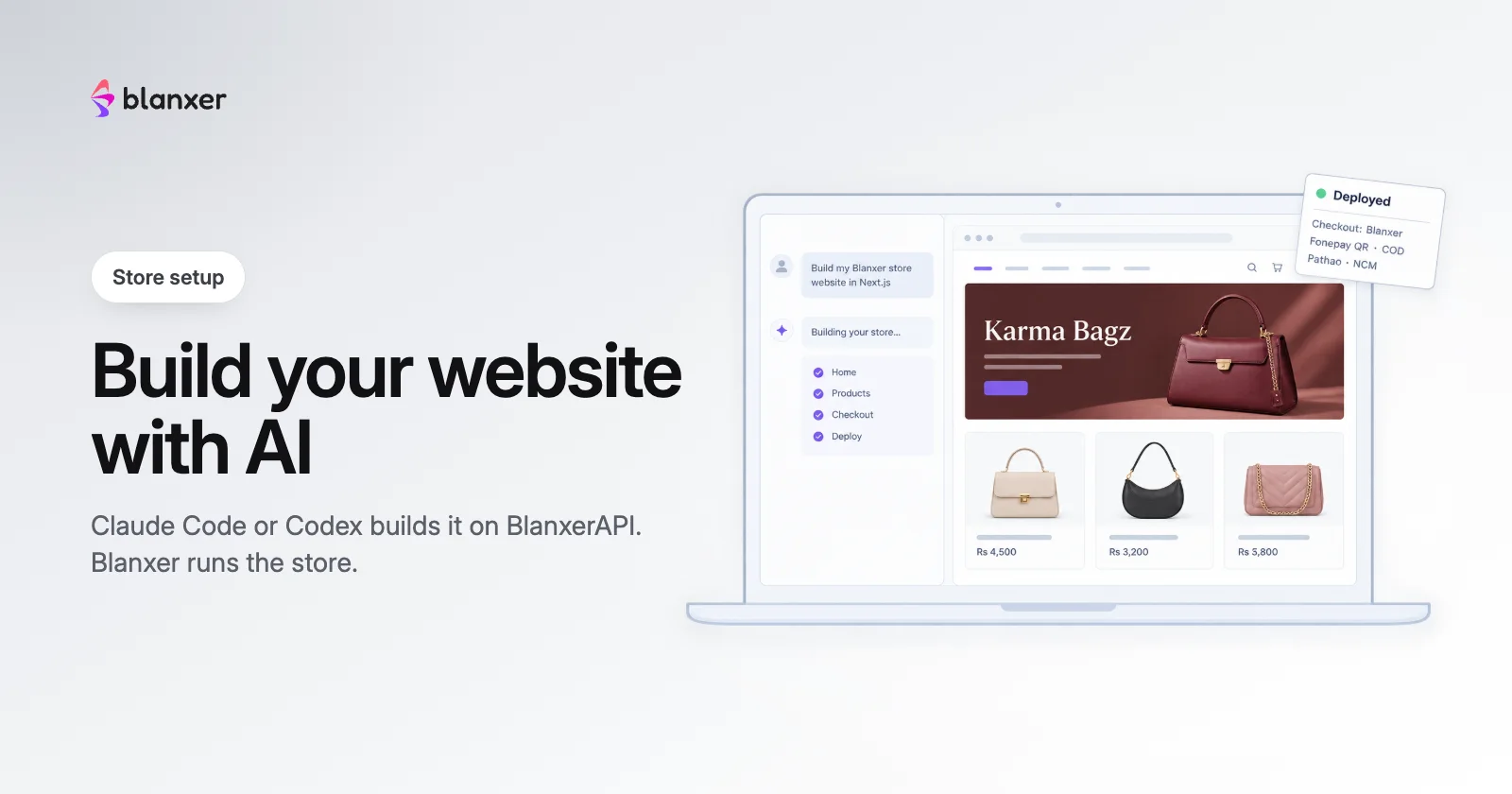
Want a website that is entirely yours, coded to your brand, without paying an agency or rebuilding payments and couriers? With BlanxerAPI, an AI agent like Claude Code or Codex builds a custom Next.js website for your Blanxer store and puts it on your own Cloudflare account. Blanxer keeps running the store behind it: products, stock, orders, Fonepay QR and COD checkout, couriers, offers and SEO.
Blanxer API for Claude Code / Codex (4 min, in Nepali)
What you need
A Blanxer store, an AI coding agent (Claude Code or Codex works best) and a free Cloudflare account. No coding knowledge: the agent follows the rules and steps published at developers.blanxer.com.
Build it, step by step
Step 1
Connect the Blanxer MCP
Ask your agent to add the Blanxer MCP (
https://mcp.blanxer.com/mcp) and sign in to Blanxer in the browser when it asks. In Claude Code you can install the Blanxer website skill instead, which brings the MCP with it.Step 2
Paste one prompt
Copy this into your agent, with your store’s address:
Build my Blanxer store website in Next.js and deploy it to my Cloudflare account. Follow https://developers.blanxer.com/llms.txt My store is <your-store>.blanxer.io.
Step 3
Give it your brief
The agent shows your store, products and payment methods, then asks how the site should look. Share two or three websites you like, or screenshots. It keeps a progress file, so a later session picks up where you left off.
Step 4
Let it build and fill the store
It builds the pages, product pages, collections and the Blanxer checkout, and fixes gaps in your store through the MCP: missing photos, categories and SEO text.
Step 5
Deploy to Cloudflare
You sign in to your own Cloudflare account and approve. The site goes live on a
workers.devlink, and the agent saves that link in Blanxer so order emails and tracking point to the new site.Step 6
Connect your domain (optional)
Add your domain in Cloudflare and attach it to the site in Workers & Pages.
A real build: Karma Bagz
Karma Bagz, a handbag brand on Blanxer, had its website rebuilt by Claude on BlanxerAPI. The video shows the whole process, from the prompt to the live site.
Karma Bagz website build with BlanxerAPI x Claude (5 min, in Nepali)
Compare the Blanxer-hosted store with the custom site Claude built: the same products, checkout and dashboard behind both.
What stays Blanxer's
The checkout, payments, delivery charges, offers and courier booking always come from Blanxer’s checkout package, so they keep working exactly as on your store, and the checkout shows “Checkout Powered by Blanxer”. Everything else on the site is yours to design.
Other ways AI can work with your store
The Blanxer MCP lets Claude, ChatGPT, Cursor or n8n run your store from a chat: products, stock, orders, couriers, offers and reports. For heavy bulk jobs, an owner API key with the Blanxer skill for Claude Code works without the MCP. Inside the dashboard, BlanxerAI does the same. Prefer not to do it yourself? From Business Plus our team designs and builds your website with you.