
Learn Blanxer, one video at a time.
The same videos our merchants watch inside the dashboard: every feature, step by step, in Nepali.
30 videos, about 2.6 hours in all.
Start here
What is Blanxer?
Start here: what Blanxer is and what it does for your business, before the videos on each feature.
Products
 5:43
Products
Add products (normal inventory)
Add a product with its photos, price, variants and stock, for stores on normal inventory.
 6:18
Products
Add products (advanced inventory)
Add a product and stock it in per outlet, with its cost, for stores on advanced inventory.
 4:28
Products
Add size guides to your products
Make size charts for your clothing and link them to products, so shoppers see a Size Guide next to the sizes and pick the right one.
 6:19
Products
Set up and print barcode labels
Set up your barcode label size and what it shows, then print labels for your products to stick on and scan at the counter.
 2:38
Products
Sync your catalog to Meta Commerce Manager
Give Meta your product feed link once, and your Facebook, Instagram and WhatsApp catalog follow your prices and stock every hour.


Orders
 6:54
Orders
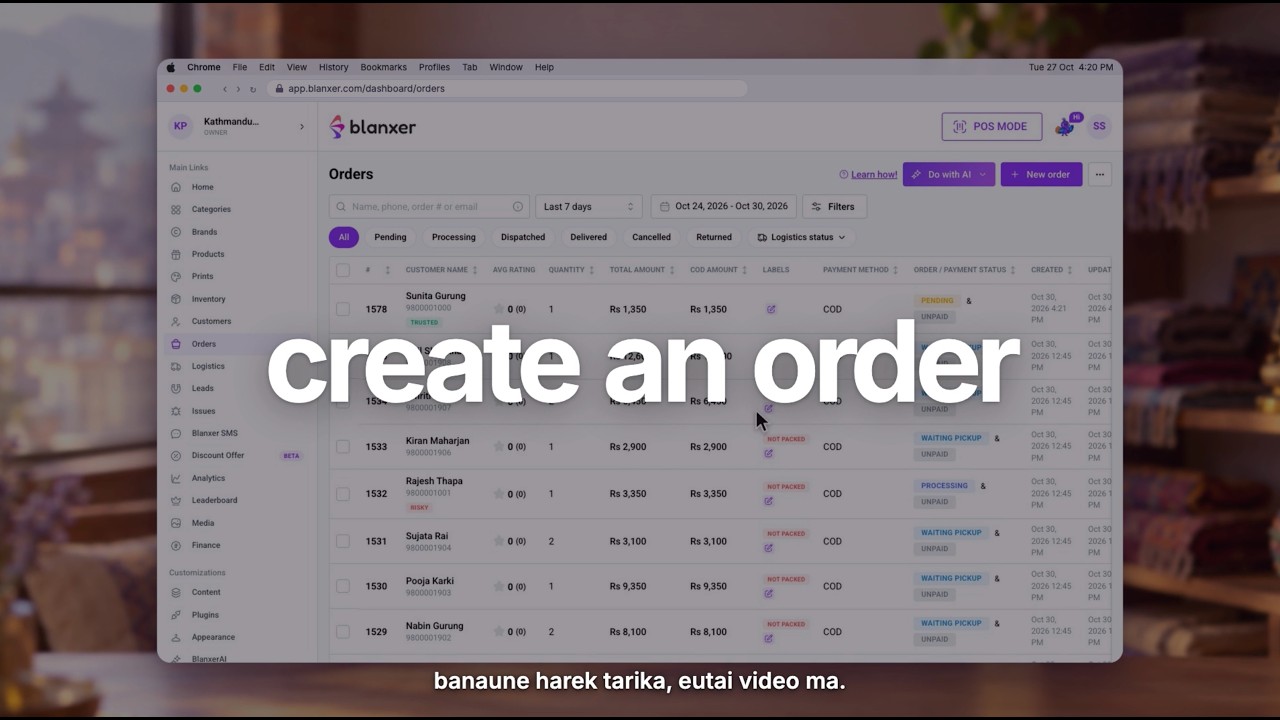
Create an order (for your sales team)
The most important one: how your team takes an order from a customer and creates it in Blanxer, step by step.
 8:45
Orders
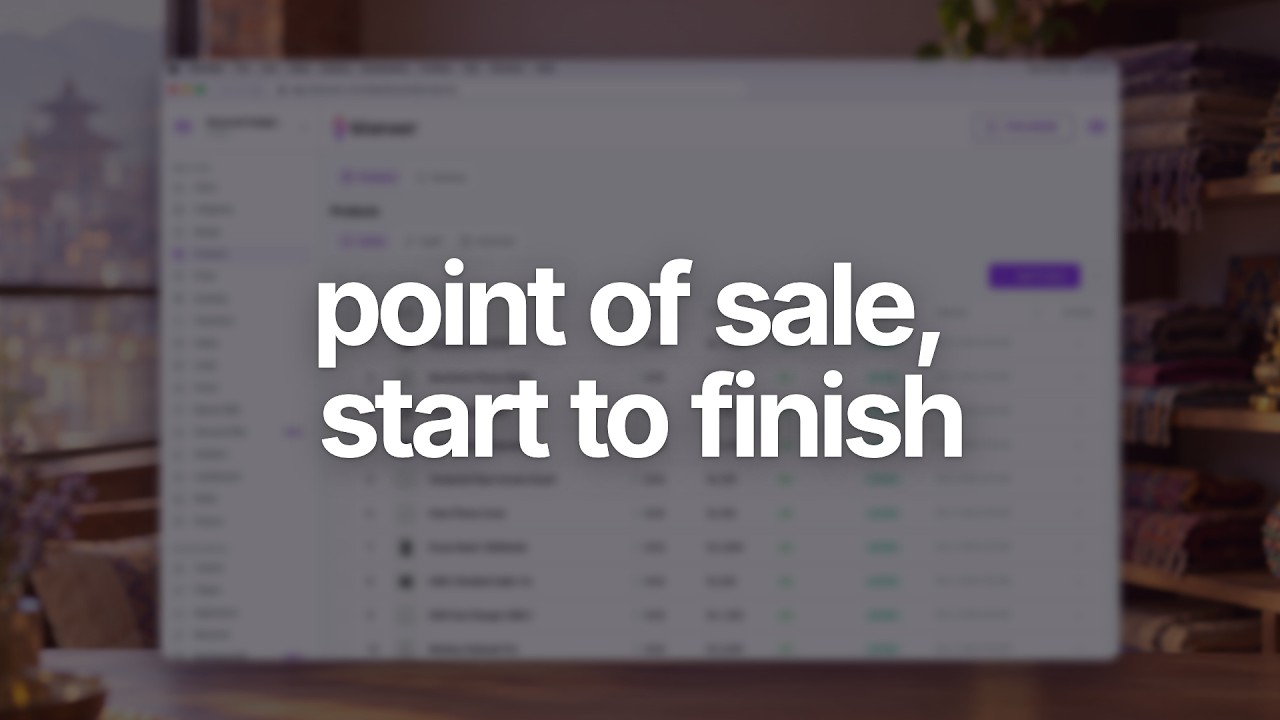
Manage orders and logistics
Take an order from new to delivered: confirm it, send it to your courier, track the parcel and see which orders need you next.
Delivery
 4:22
Delivery
Connect Pathao Parcel
Connect your Pathao account, then send any order to Pathao in one click and let its status update on its own.
 7:54
Delivery
Connect Nepal Can Move (NCM)
Connect Nepal Can Move and send orders to it from Blanxer, including returns, exchanges and order comments.
 3:03
Delivery
Deliver with your own riders (Shipday)
Connect Shipday to send orders to your own riders and follow every delivery yourself.
 2:13
Delivery
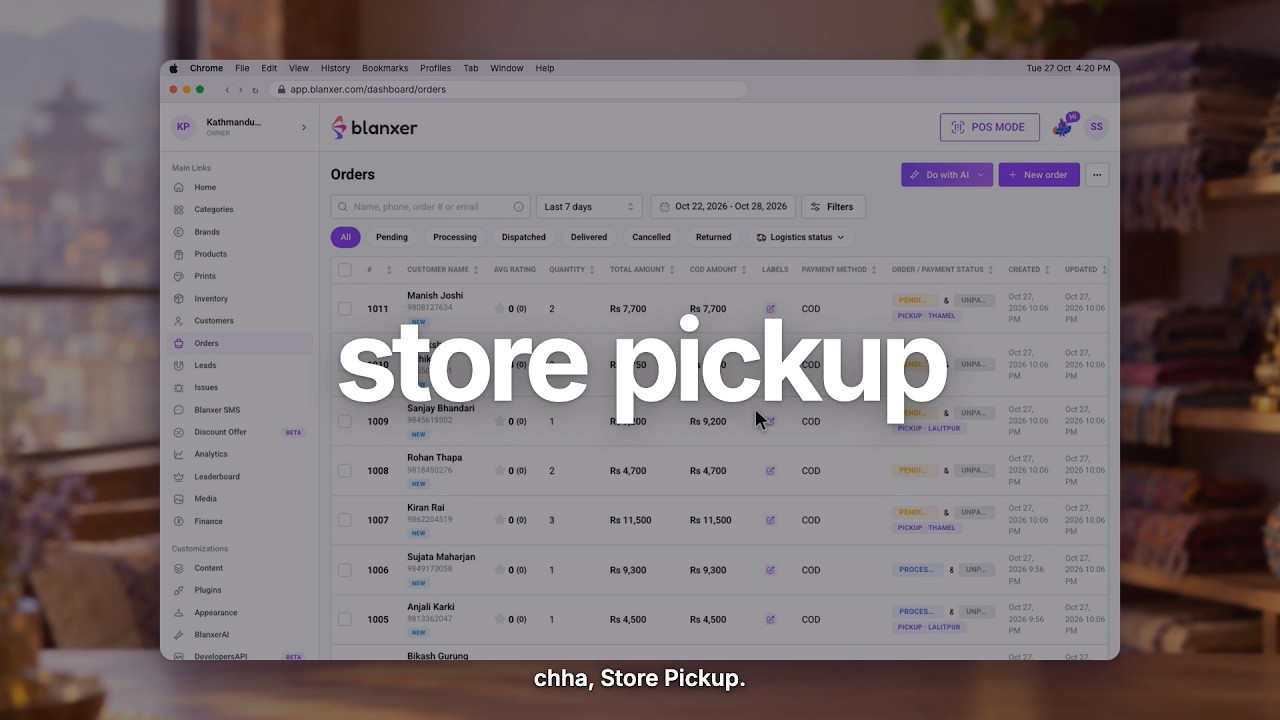
Store pickup and multi-store fulfilment
Let customers pick up from your store, and fulfil orders from more than one store location.
Payments
 4:00
Payments
Advance and partial payment at checkout
Ask customers to pay the delivery charge or part of the order online, and collect the rest as cash on delivery.
 4:43
Payments
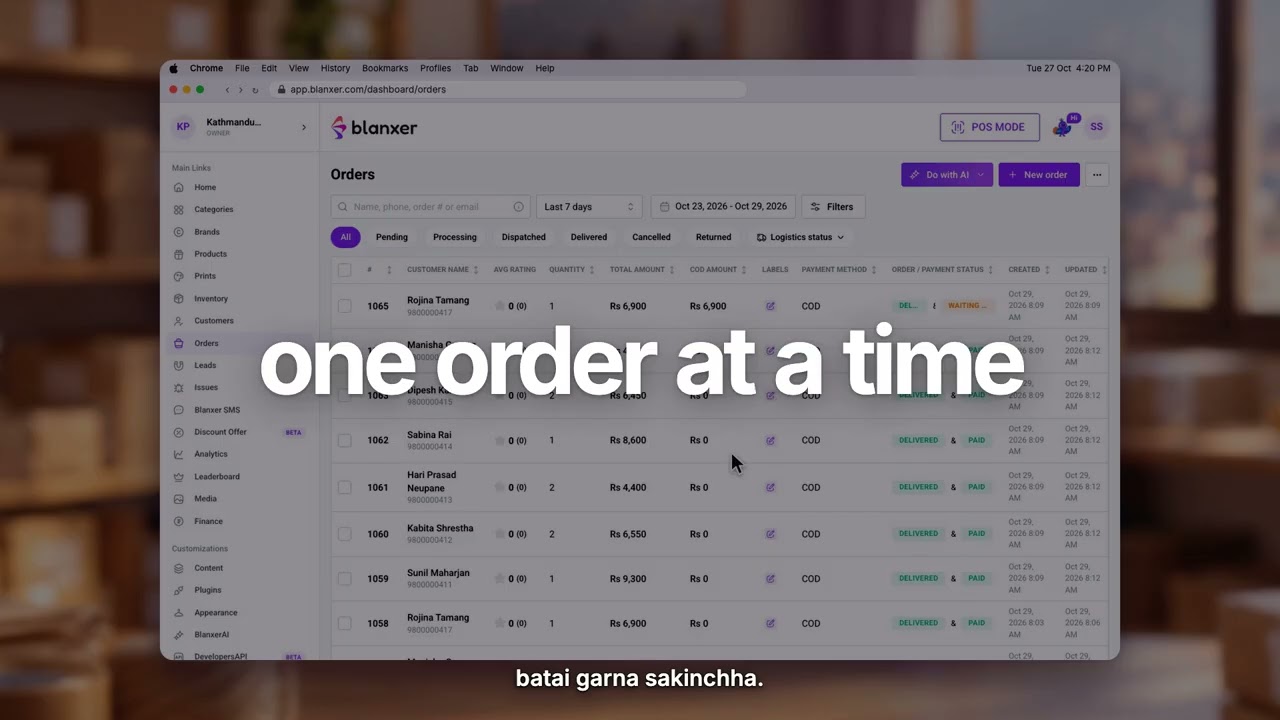
Reconcile COD orders
Match the cash your courier sends back against your delivered COD orders, and record it in the right account.

Customers
 3:29
Customers
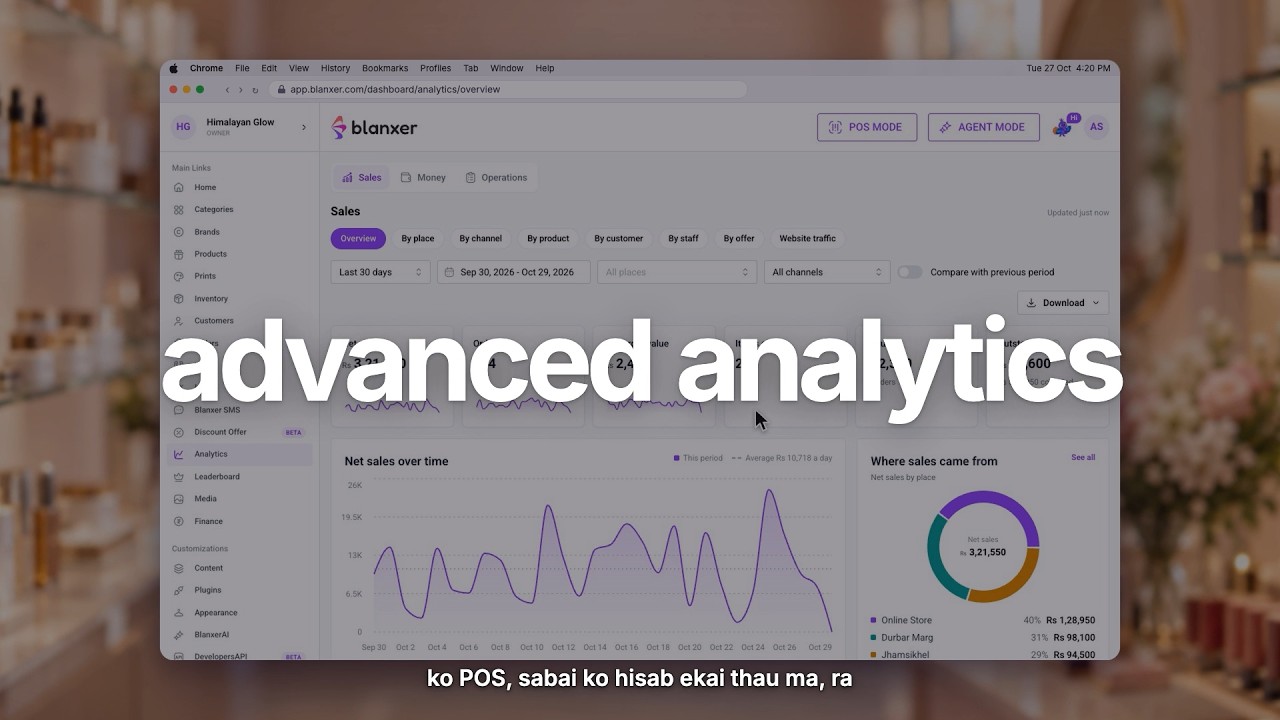
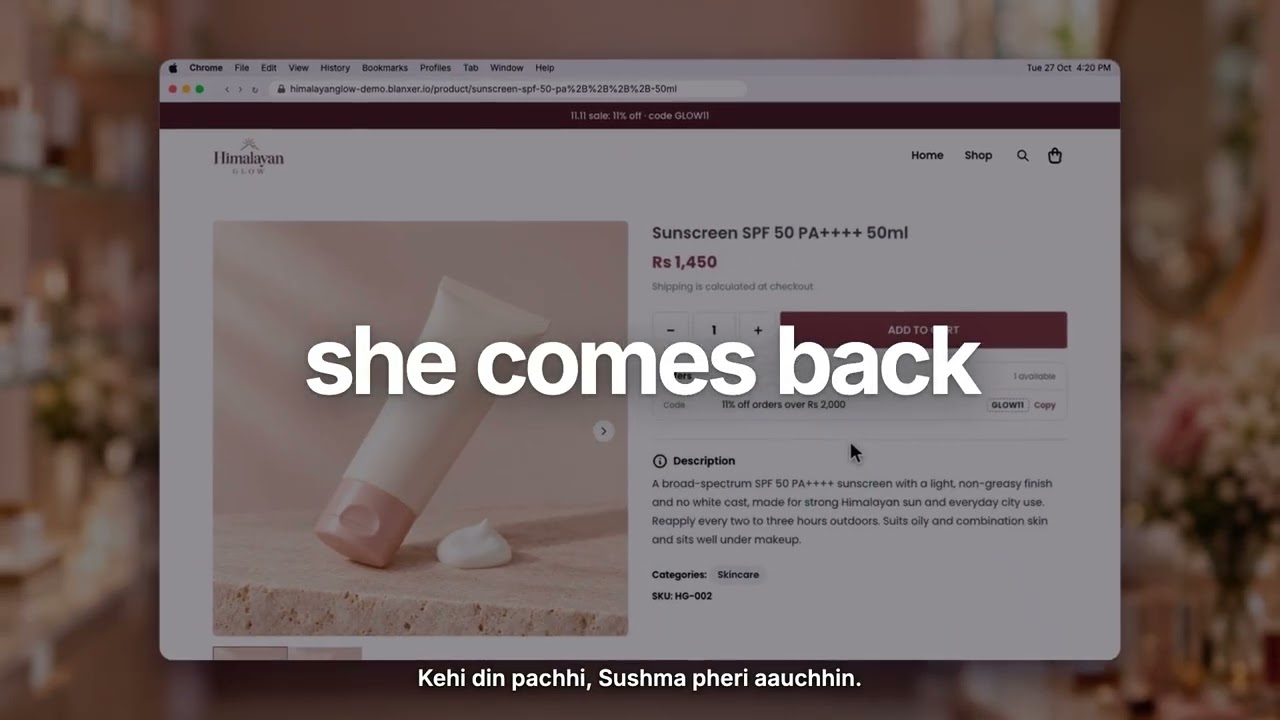
Get customers to buy again
Use Blanxer to bring past customers back and raise how often they order from you.
 3:30
Customers
Bulk SMS to all your customers
Pick your customers or past orders and send them all one SMS from Blanxer SMS.
 3:06
Customers
Collect and reply to reviews
Collect product reviews, reply to them, and after calling a customer ask them to edit their review.
Offers
 3:53
Offers
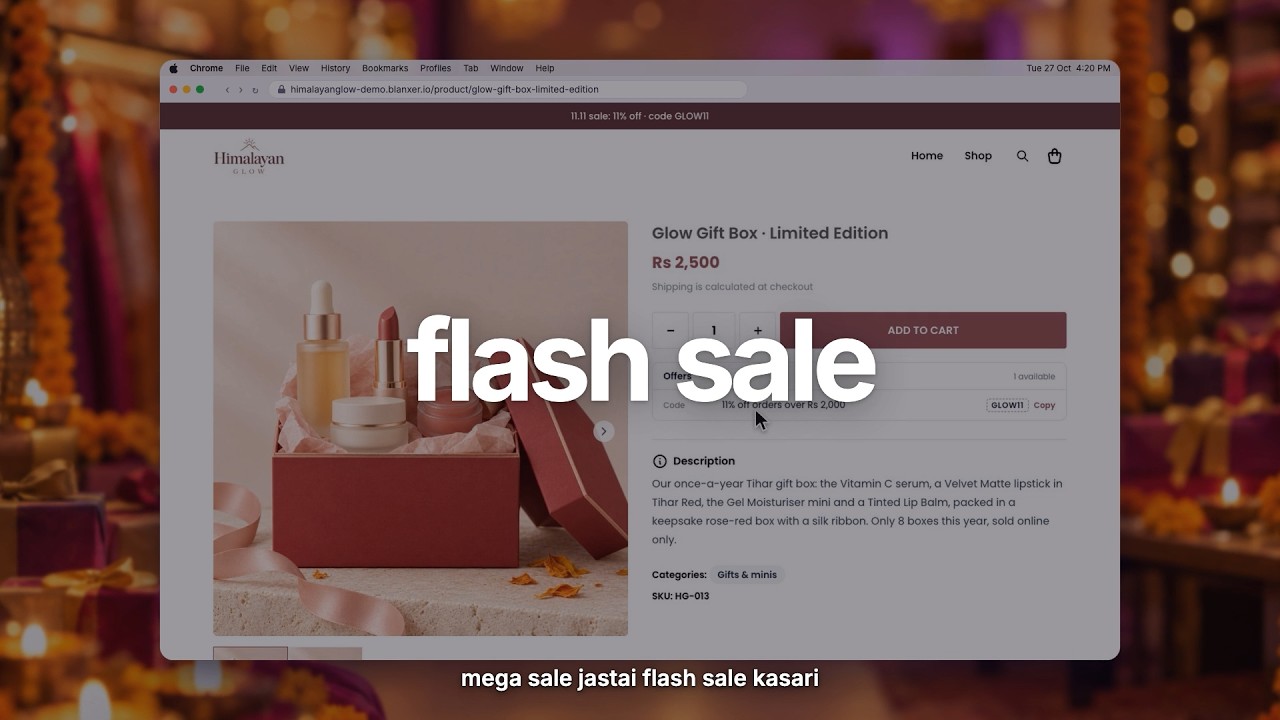
Flash sale
Run a sale for a set time: pick the products and the discount, and it starts and ends on its own.
 3:04
Offers
11.11 sale campaign
Set up a store-wide campaign for a big sale day like 11.11, with its own dates and discounts.
 3:27
Offers
Free gift offer
Add a free gift to orders that meet your conditions, so customers see it in the cart and at checkout.
 3:33
Offers
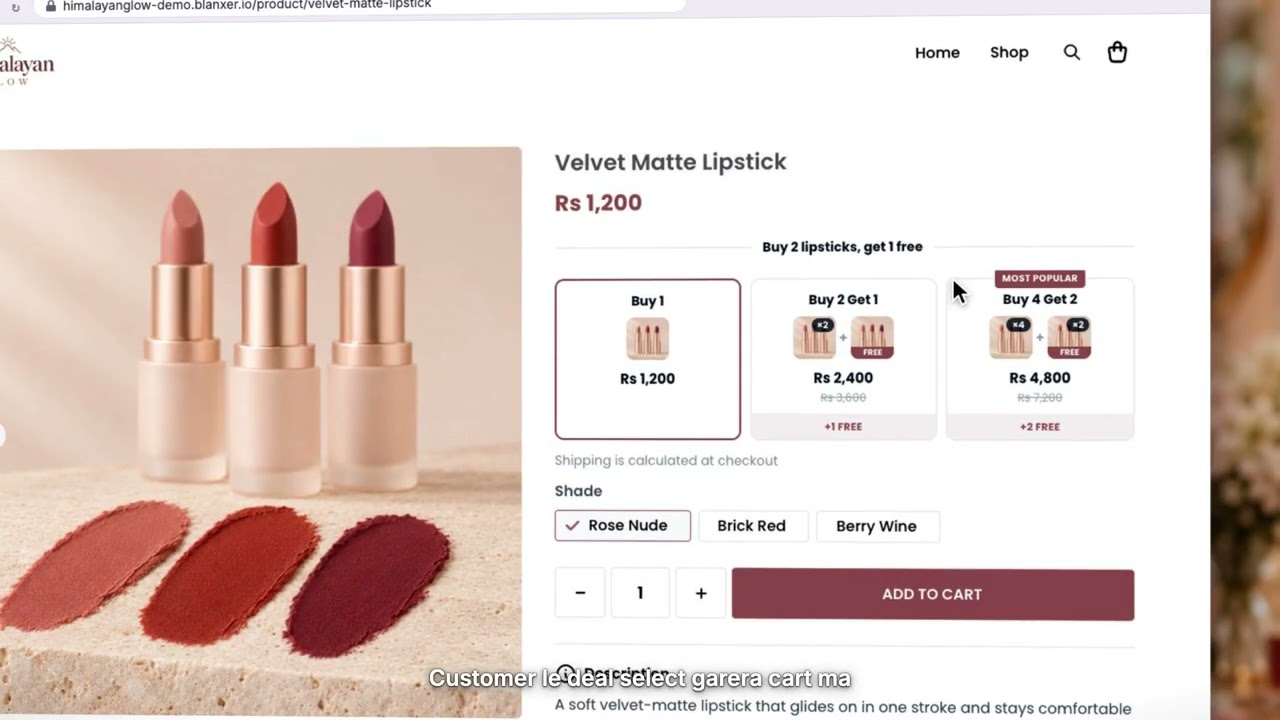
Buy more, save more
Give a bigger discount the more a customer buys, to grow the size of every order.
 3:43
Offers
Buy 1 get 1 free (BOGO)
Create a buy-one-get-one offer and choose which products count for the free item.
 3:00
Offers
Free delivery above an amount
Make delivery free once an order goes over the amount you set, so customers add a little more to reach it.
 4:34
Offers
Two ways to make bundles
Sell products together as a set: make a bundle from Products or from Offers, and see how its price and stock follow the items in it.

See Blanxer with your own business in mind.
Book a demo. We'll show you the store, checkout, POS and dashboard, and tell you honestly which plan you need.
Prefer to talk directly?
Already a customer? Support on WhatsApp +977 9802344850, Sun–Fri, 9 AM – 6 PM.